Why We Stopped Building Chatbots and Started Building Agents
About a year and a half ago, I got pulled into a project that I thought would be simple: take our client's internal support chatbot and make it "smarter." That's how the ticket was worded. Smarter.
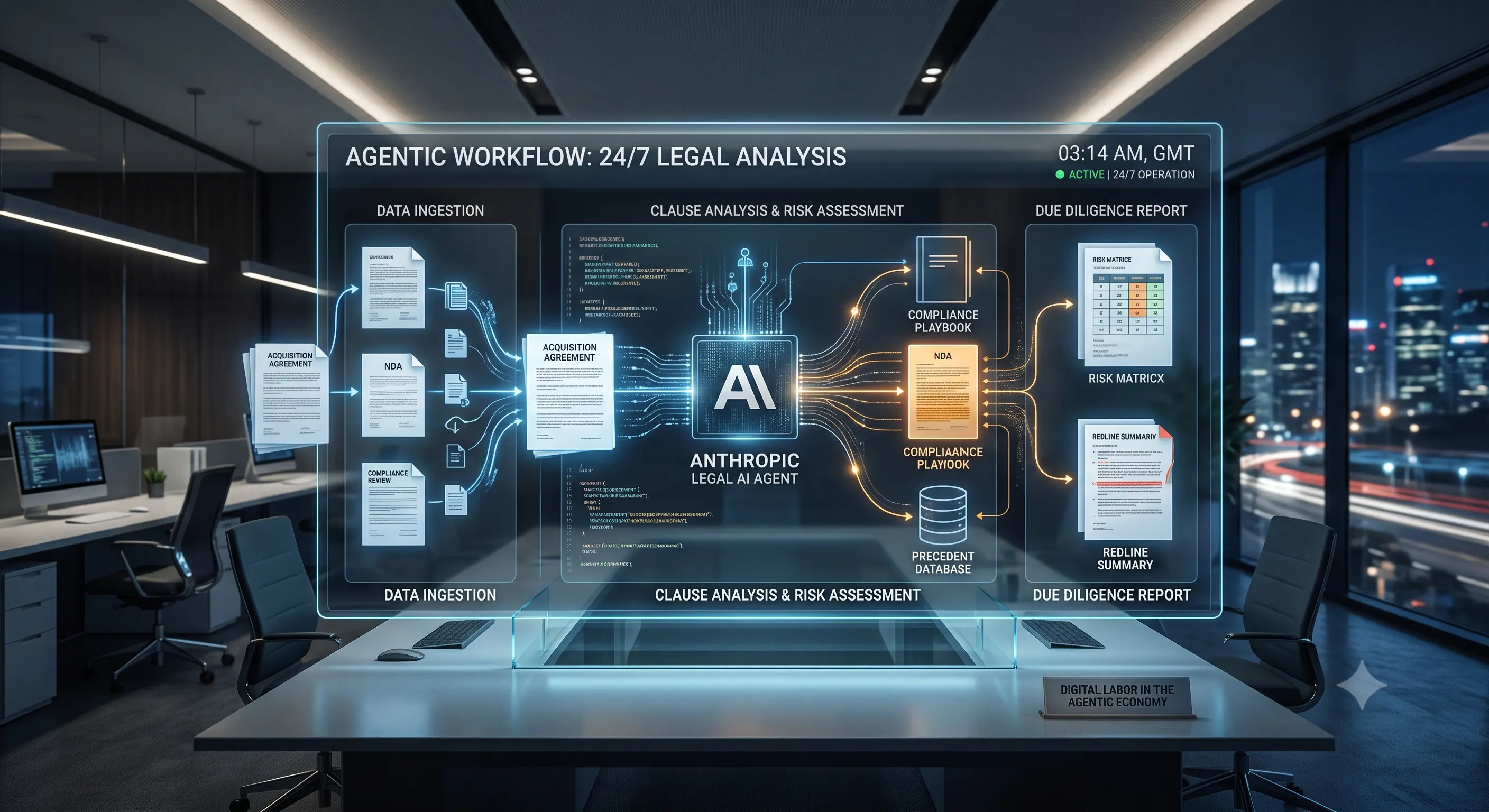
What we ended up building looked nothing like the original chatbot. It didn't just answer questions — it pulled records from three different systems, drafted a response, checked its own draft against a compliance rubric, and only then handed the result to a human for a final glance. It failed constantly at first. Then it didn't. I want to walk you through what changed, because most of what I read online about "agentic AI" skips the messy middle part.
The Problem With Most Chatbots (Including Ours)
Our original bot was fine at what it was built for: answer a question, end the conversation. The trouble started the moment someone asked it to do something with more than one step. "Check if this order shipped and, if not, cancel it and issue a refund" would just... stall. It would answer the first half of the question and quietly ignore the rest.
That's not a bug you can prompt your way out of. It's a structural limit. A single-turn chatbot has no memory of what it just did, no way to check its own work, and no mechanism for trying again when something goes wrong.
So What Is an "Agentic Loop," Really?
Strip away the marketing language and it's a fairly simple idea: instead of one prompt and one reply, the system keeps working in a loop until the job is actually done.
- It plans. The model breaks the request into steps instead of answering right away.
- It acts. It calls a tool — an API, a database lookup, a search — to gather what it needs.
- It checks its own work. Either the same model or a second one reviews the output against a rubric.
- It repeats until the result passes, or it hits a limit and asks a human for help.
That last step is the one people skip when they're excited about the technology, and it's the one that saved us more than once. Give an agent unlimited room to retry and it will happily loop forever, burning API credits on a problem it was never going to solve.
What Actually Broke When We Built This
I'll spare you the highlight reel and give you the actual list of things that went wrong, because this is the part nobody puts in the case study.
1. Garbage in, garbage all the way through
Our first version misread a customer's account ID in step one — a formatting mismatch nobody had considered — and passed that bad ID to every step after it. The agent didn't error out. It just kept going, confidently, on wrong information. We only caught it because a support rep noticed the refund amount looked odd. After that, we added a validation check after every tool call, not just at the end.
2. The retry loop that wouldn't quit
One weekend, an internal API started returning malformed responses. Instead of failing gracefully, the agent kept reformulating its request and trying again — for hours. We woke up to a very large token bill and a very useful lesson: always cap the number of retries, and always have a hard fallback to "stop and notify a human."
3. Nobody trusted it at first, and that was fair
The bigger surprise wasn't technical. It was that our own support team didn't want to use it. They'd seen enough "AI-powered" tools that quietly made things worse. We had to let them watch it work, side by side, on low-stakes tickets for a few weeks before anyone let it touch a refund. That trust-building took longer than the engineering did.
Where This Kind of System Genuinely Helps
Once it was stable, the difference was real. Tickets that used to take a rep ten minutes of clicking through three systems now got a drafted, source-checked response in under a minute, with the rep just approving or editing it. Multi-step requests — the ones that used to stall the old bot completely — stopped stalling.
If your work involves repeatable, multi-step tasks that touch more than one internal system, this pattern is worth the effort. If your workflow is simple and rarely changes, it probably isn't. A well-written script will beat an "agent" nine times out of ten on cost, speed, and predictability.
Chatbot vs. Agentic Loop, Side by Side
| Situation | Simple Chatbot | Agentic Loop |
|---|---|---|
| Multi-step request | Answers the first part, drops the rest | Works through each step in sequence |
| Tool or API failure | Returns an error to the user | Tries an alternate approach, or escalates cleanly |
| Checking its own output | None — whatever it says is final | A second pass reviews the result before it's shown |
| Cost per request | Low and predictable | Higher and needs active monitoring |
| Best fit | FAQs, single-turn lookups | Multi-step workflows across systems |
If You're Considering This, Start Here
- Build the "stop" conditions before the "go" conditions. Decide upfront how many retries are allowed and what counts as a failure worth escalating to a person.
- Validate after every step, not just at the end. A small error early on gets bigger at every step after it.
- Pilot on low-stakes tasks first. Let the people who'll actually use it watch it succeed a few dozen times before it touches anything sensitive.
- Track the token cost from day one. A single stuck loop can quietly cost more than a month of normal usage.
- Don't build one giant agent. Smaller, single-purpose agents that hand off to each other are easier to debug than one system trying to do everything.
The Honest Bottom Line
An agentic loop isn't magic, and it isn't free. It's a different way of structuring a workflow, with real upsides for messy, multi-step tasks and real costs — in engineering time, monitoring, and money — that a lot of write-ups gloss over. We got real value out of it, but only after building the guardrails first and the exciting parts second. If you're evaluating this for your own team, start with the boring plumbing — retry limits, validation, escalation paths — and let the autonomy come after that's solid, not before.